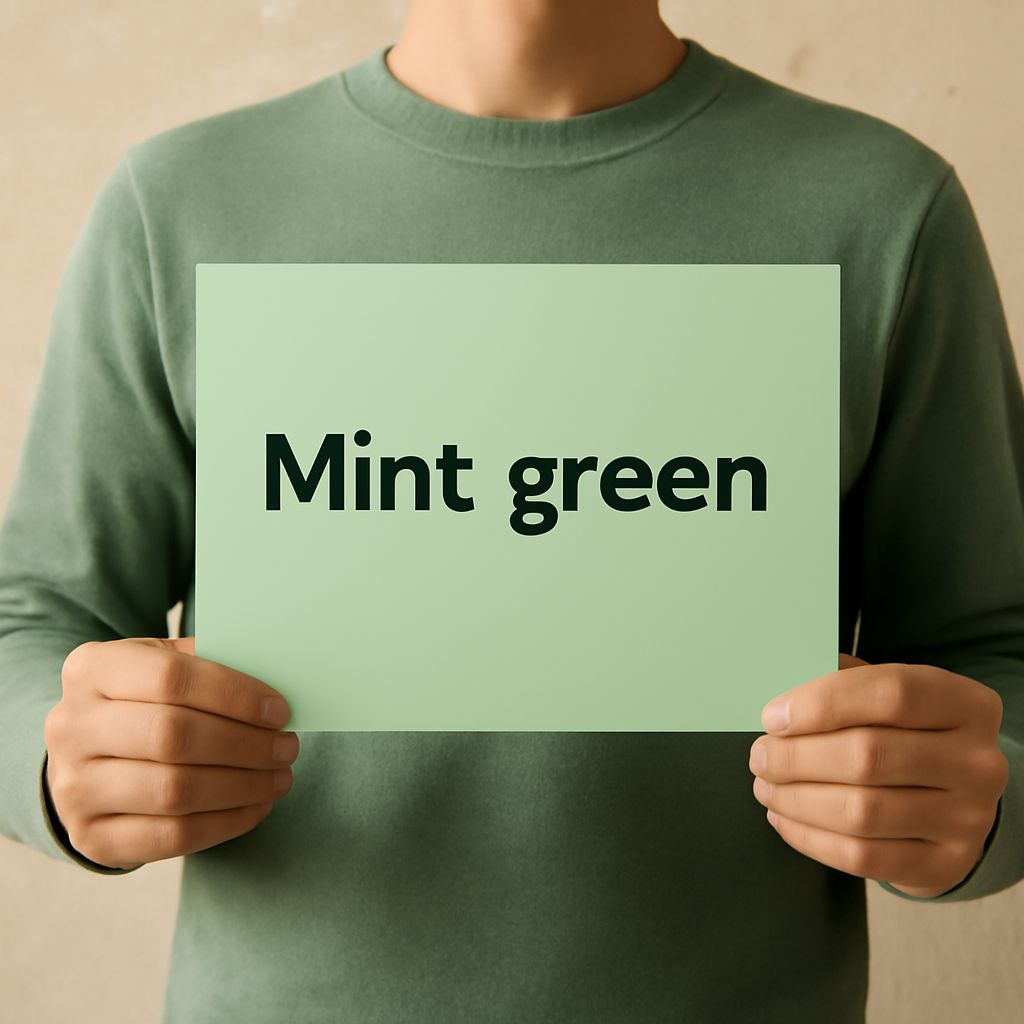
Green hex colors are a powerful tool in web design, offering a range of hues that can evoke emotions and enhance brand identity. Whether you’re creating a calming, nature-inspired aesthetic or a vibrant, energetic website, understanding how to use green hex colors effectively is essential. This guide will explore what green hex colors are, how to implement them in HTML, popular hex codes to consider, and tips for selecting the right shade for your project.
What are green hex colors?
Green hex colors are representations of green shades using the hexadecimal color code system. This system uses six characters, combining numbers and letters, to define specific colors. The format begins with a hash symbol (#) followed by six digits. In the context of green, these codes typically vary the values for green, while keeping the red and blue components lower.
Using green hex colors in HTML
To use green hex colors in HTML, you need to incorporate them into your CSS or style section of your HTML document. This is done by assigning the hex code to the property you want to style. For example, to set a green background color, you can use the following CSS rule: background-color: #00FF00;. This code applies the bright green color to the background of an HTML element.
Hex colors can also be used to style text, borders, and other elements, making them versatile for various design needs. Using green in your design can convey meanings such as growth, freshness, and stability, which can be beneficial for branding.
Popular green hex codes
There are numerous green hex codes to choose from, each offering a unique shade. Some popular green hex colors include:
- #00FF00: A bright and vivid green, often called Lime, that grabs attention.
- #32CD32: Known as LimeGreen, this is a slightly darker shade ideal for more subtle highlights.
- #228B22: ForestGreen offers a natural and earthy tone, perfect for nature-themed designs.
- #008000: A standard Green, this code provides a balanced and classic green shade.
- #ADFF2F: GreenYellow is a lighter, more vibrant green that adds a fresh and energetic feel.
Tips for choosing the right green shade
Selecting the right green shade involves understanding the emotional and psychological impact of different hues. Here are some tips:
- Brand Alignment: Choose a shade that aligns with your brand’s values. For instance, a tech company might prefer a futuristic lime green, while an environmental organization may opt for an earthy forest green.
- Contrast and Readability: Ensure the green you select contrasts well with other colors on your site. This is crucial for readability and accessibility.
- Audience Preference: Consider the preferences of your target audience. Different demographics might respond differently to various shades of green.
- Complementary Colors: Pair your green with complementary colors to create a visually appealing palette. Greens often pair well with blues, yellows, and neutral tones.
Using these tips and understanding the nuances of green hex colors, you can create a visually appealing and effective web design that resonates with your audience.