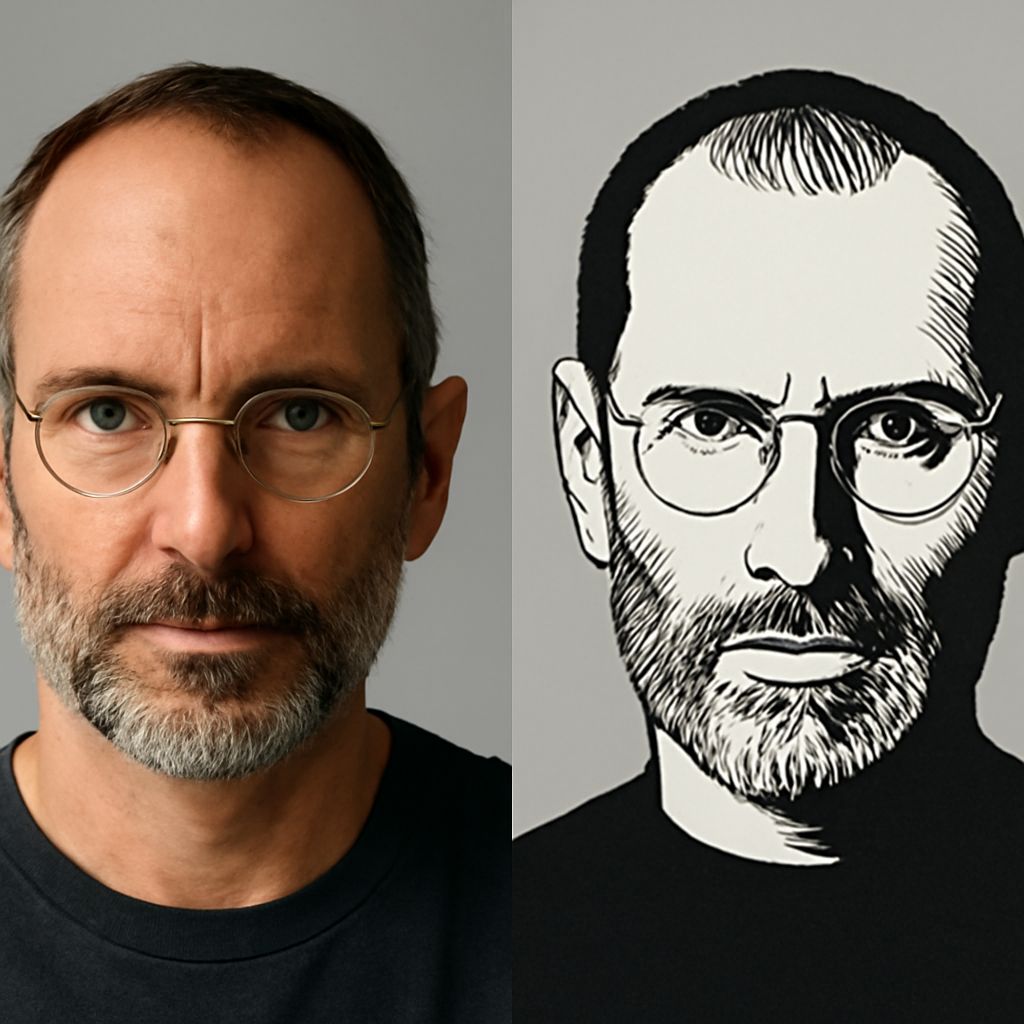
What is a vector image? A vector image is a graphic built from mathematical paths instead of a fixed grid of pixels. Because your design software redraws those paths at the size you request, the graphic can scale from a small icon to a large sign without becoming blurry.
When you understand what a vector image is, you can choose the right file for a logo, icon, diagram, website, or printed design. The right vector image format also determines how easily you can edit and share the artwork.
What is a vector image? How paths, shapes, fills, and strokes work
A vector graphic uses instructions that describe points, curves, and relationships. A path is the line or curve between points. Your design tool combines paths to create recognizable objects, such as circles, letters, arrows, and custom illustrations.
- Shapes provide basic objects such as rectangles, circles, polygons, and lines.
- Fills add color, gradients, or patterns inside a closed shape.
- Strokes define the visible outline, including its color, width, and style.
- Paths create precise edges and curves that you can adjust with control points.
For example, a logo may contain several paths with colored fills and no strokes. You can move, resize, recolor, or reshape those components independently if the file remains editable.
Vector vs. raster images: How scaling affects quality
A raster image stores color information in a grid of pixels. JPEG, PNG, GIF, and most photographs use this approach. At the image’s intended size, those pixels can produce detailed, realistic results. However, enlarging the image spreads the same pixels over more space, so edges may look soft or jagged.
Vector artwork is resolution-independent. Your software recalculates the paths whenever you resize the graphic, so curves and edges stay sharp at different dimensions. This makes vectors especially useful for artwork that must work in multiple sizes.
- Choose raster for photographs, textured artwork, and images with complex natural detail.
- Choose vector for logos, icons, diagrams, lettering, charts, and flat illustrations with clean edges.
A vector file can still contain a raster photo. Placing a JPEG inside an SVG, PDF, or Illustrator document does not convert that photo into editable vector paths. The photo remains pixel-based, even when the surrounding artwork is vector.
Choosing a vector image format: SVG, AI, EPS, or PDF
These formats can all carry vector artwork, but they serve different workflows:
- SVG: Best for websites, apps, and digital interfaces. Browsers can display it directly, and you can edit its paths in compatible design software or code editors. SVG supports responsive scaling and often keeps individual objects accessible for web interaction.
- AI: Adobe Illustrator’s native format. Use it as a working file when you need the most reliable access to layers, paths, effects, type, and other Illustrator features. Its editability is strongest in Illustrator and compatible Adobe workflows.
- EPS: A longstanding exchange format for logos, branding assets, and professional print workflows. Many design and production applications can open it, but it may preserve fewer modern effects or editing features than the original AI file.
- PDF: Useful for sharing, proofing, and printing because it can preserve vector text and artwork across systems. A PDF is not automatically a vector file, though: it can contain vectors, raster images, or both. Check its contents before relying on it for editable artwork.
When to use a vector file for logos, icons, diagrams, and print
Use a vector master file when your design needs multiple sizes, precise editing, or professional reproduction. Keep a logo in AI, SVG, EPS, or a vector-capable PDF so you can produce a favicon, social graphic, business card, package, or billboard without rebuilding it.
Choose SVG for responsive website icons and interface graphics. Use AI for ongoing Illustrator edits, EPS when a printer or vendor requests a broadly compatible exchange file, and PDF when you need to deliver a finished proof or print-ready document. For diagrams, charts, and simple illustrations, vector paths keep labels and lines crisp at every output size.