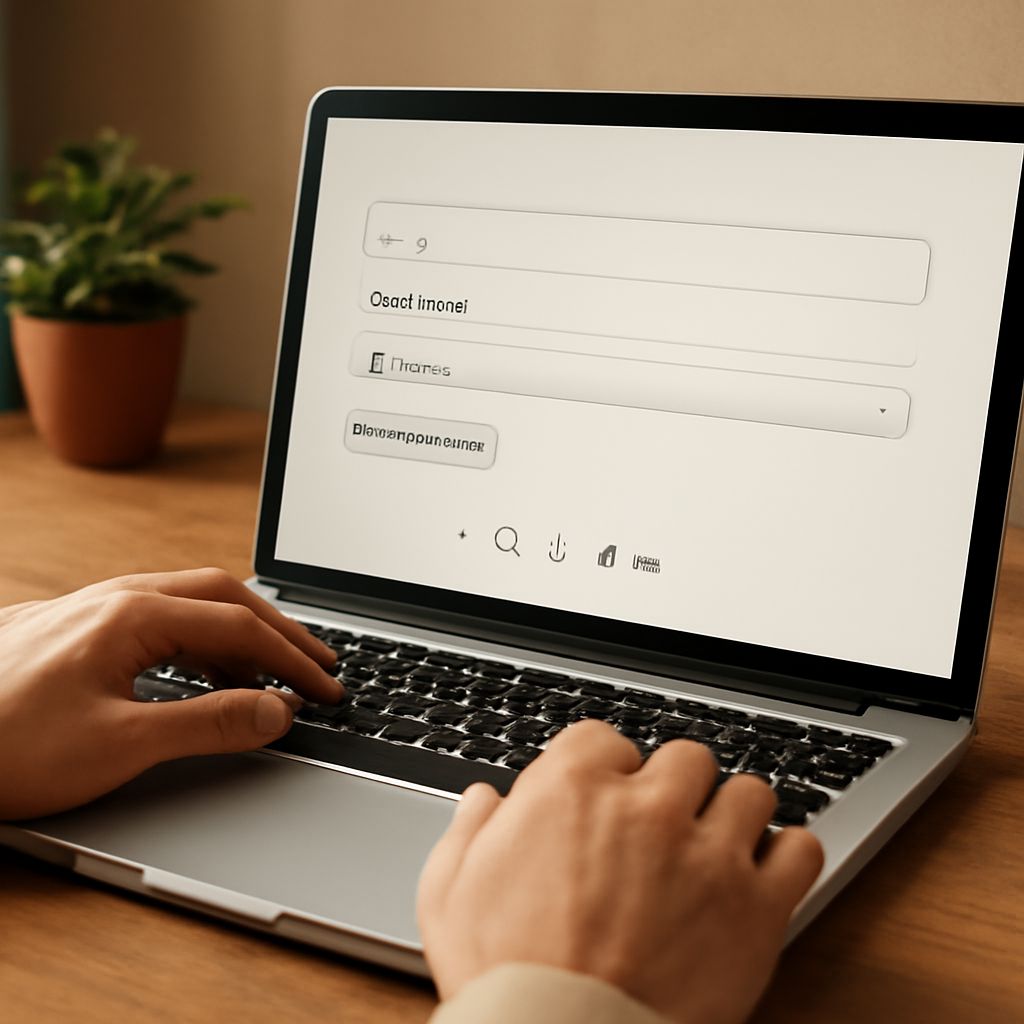
Encountering mojibake, especially in graphics formats, can be frustrating. This phenomenon involves garbled text resulting from encoding errors. Understanding its causes and how to address it is crucial for anyone dealing with digital content.
What is mojibake?
Mojibake refers to the jumbled text that appears when software misinterprets character encoding, displaying incorrect symbols or gibberish instead of the intended text. It’s a common issue when different systems or applications use incompatible encoding standards.
Causes of mojibake in graphics formats
Mojibake often occurs in graphics formats when there’s a mismatch between the encoding used during the creation of the file and the encoding expected by the software displaying it. For instance, if a graphic file is saved with UTF-8 encoding but opened by a program assuming ISO-8859-1, the text might display incorrectly. Additionally, transferring files across different operating systems without proper encoding translation can lead to mojibake.
How to prevent and fix mojibake
- Consistent Encoding: Always use a consistent encoding standard like UTF-8 across all platforms and applications to minimize the risk of mojibake.
- Check Software Settings: Ensure that your graphic design software and file viewers are configured to use the same encoding standard.
- File Conversion Tools: Utilize file conversion tools that allow you to specify encoding settings, ensuring compatibility.
- Update Software: Keep all related software up to date, as newer versions often handle encoding issues more efficiently.
By understanding and applying these strategies, you can significantly reduce the occurrence of mojibake in graphics formats, ensuring clear and accurate text display.