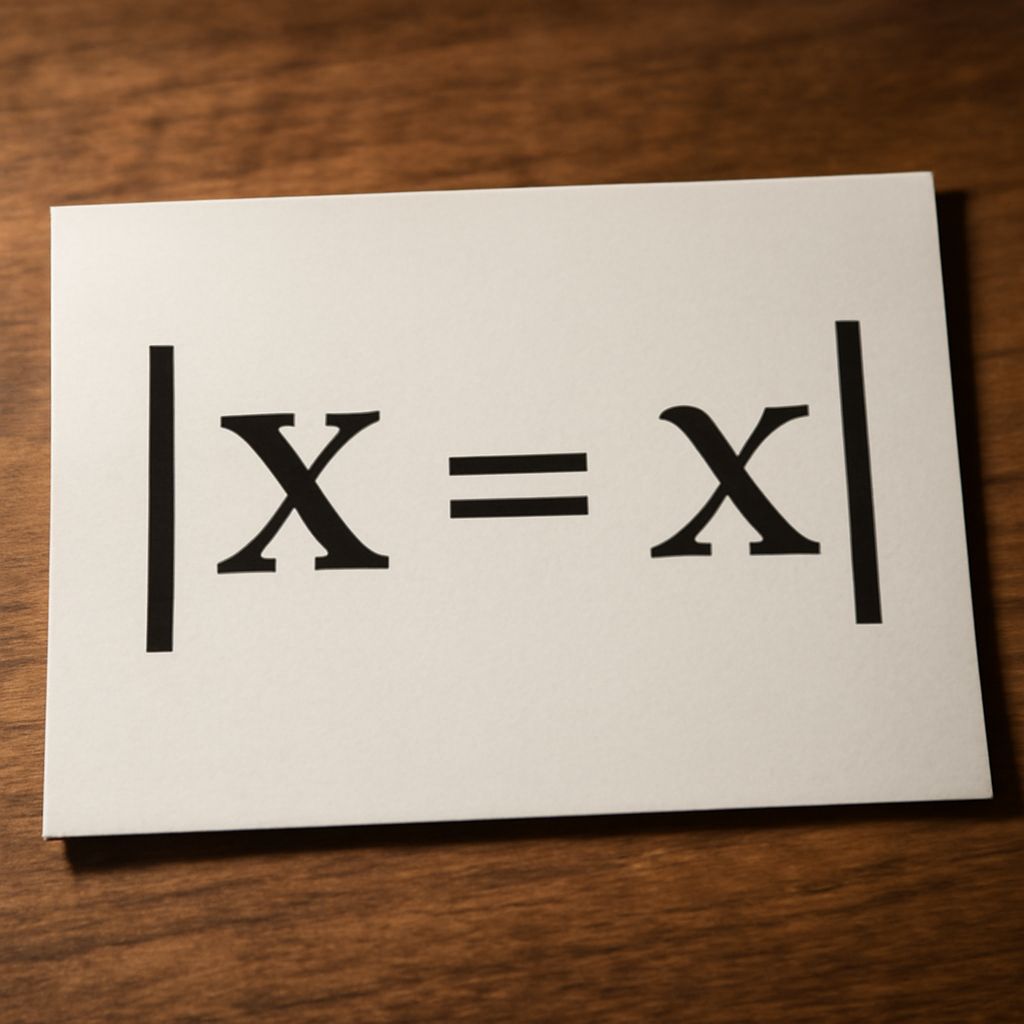
Understanding how to write absolute value in LaTeX is crucial for creating precise mathematical documents. LaTeX, a powerful typesetting system, offers a straightforward way to render complex mathematical expressions. This guide will help you master the syntax for absolute value, provide examples, and highlight common pitfalls to avoid.
Understanding absolute value in LaTeX
Absolute value refers to the non-negative value of a number without regard to its sign. In mathematical notation, it is represented by vertical bars, like |x|. In LaTeX, this concept is essential for presenting mathematical expressions clearly and accurately.
Basic syntax for absolute value
To write absolute value in LaTeX, you use the pipe symbol | to enclose the expression. The basic command is as follows:
\|x\|However, for better spacing, it is recommended to use the \left| and \right| commands, which automatically adjust the size of the bars to match the enclosed expression:
\left| x \right|This ensures that the absolute value bars scale correctly with the content, especially in more complex expressions.
Examples of absolute value in LaTeX
Here are some examples to illustrate how to write absolute values in LaTeX:
- Simple number:
\left| 5 \right|will render as|5|. - Variable expression:
\left| x + 3 \right|renders as|x + 3|. - Complex equation:
\left| \frac{x^2 - 1}{x + 1} \right|shows how LaTeX handles fractions within absolute values, rendering as\left|\frac{x^2 - 1}{x + 1}\right|.
These examples demonstrate the flexibility of LaTeX in presenting absolute values within various mathematical contexts.
Common mistakes to avoid
When working with absolute values in LaTeX, certain mistakes can lead to formatting issues:
- Incorrect spacing: Using simple pipe symbols without
\leftand\rightcan cause incorrect spacing. Always ensure proper delimiter sizing for clarity. - Mismatched delimiters: Make sure that each
\left|has a corresponding\right|. Mismatched delimiters will result in compilation errors. - Extra spaces: Avoid unnecessary spaces within the command as they can affect rendering.
By understanding these common issues, you can enhance the readability and accuracy of your LaTeX documents.